
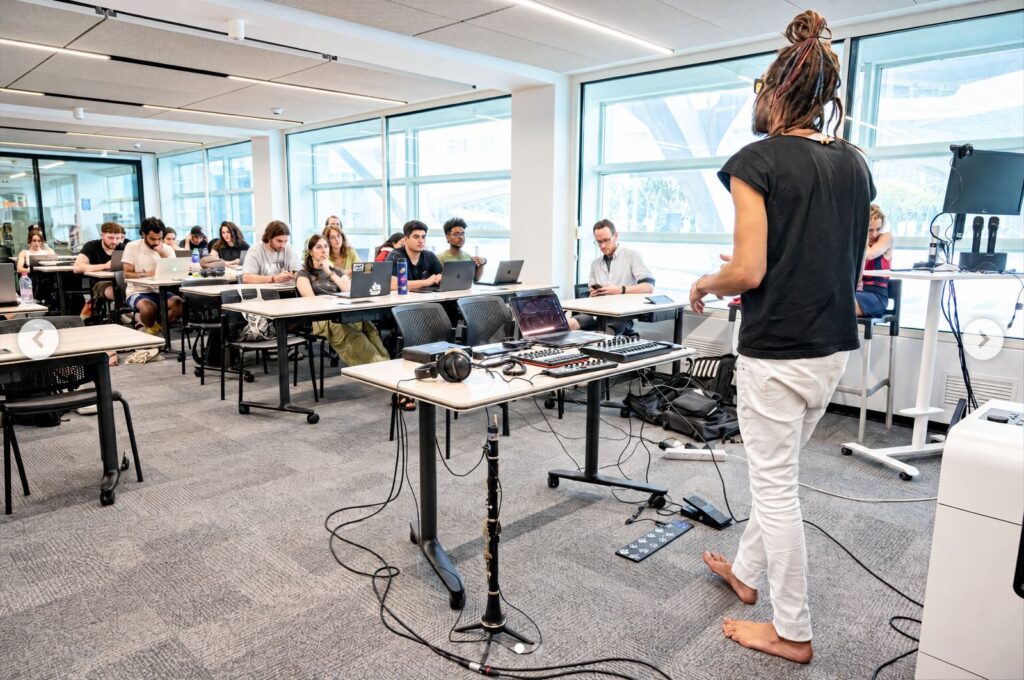
What is the Live Looping Academy?
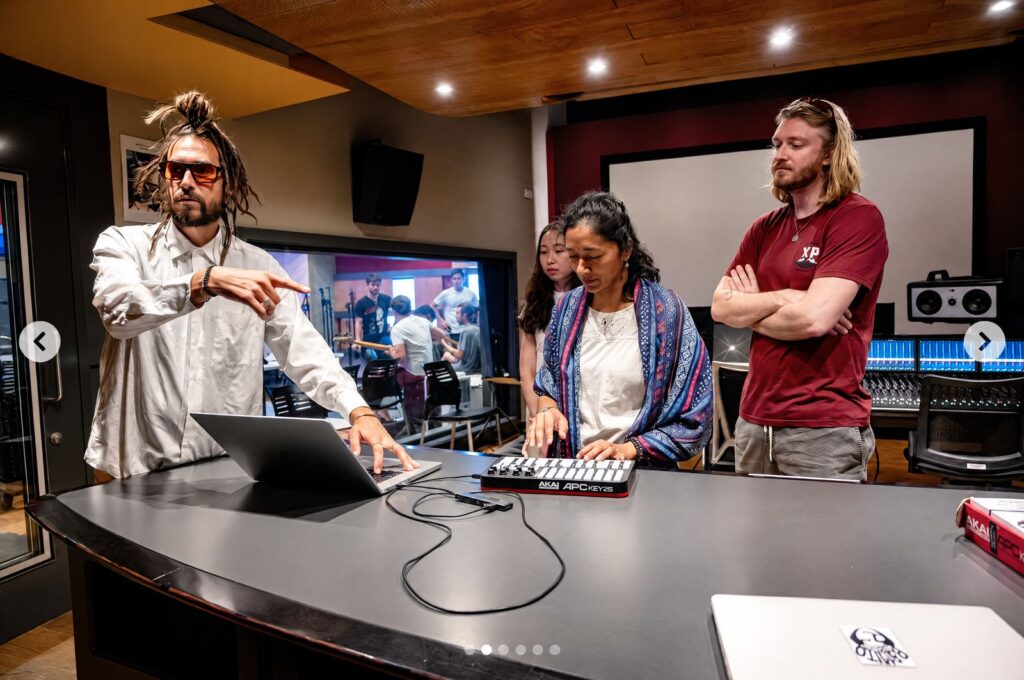
Hi, I’m Josep Garcés, the developer of LiveLoop. The Live Looping Academy is the class I teach in academic settings, including Berklee and the Conservatorium van Amsterdam. This post walks through the same ideas I share with students, so you can get a feel for the class and start exploring live looping yourself.
If you’re a teenager getting into music, or a music student looking for a new way to practise, compose and perform, this one is for you.
What is live looping?
Live looping is a playing technique based on live sampling recorded during the performance. It is a way to compose in real time, known as comprovisation: part composition, part improvisation.
Looping seems to engender a valuable, reflective quality in the players who use it, whether from a meditative or a “musical self-study” perspective. Like multi-track recording, you get to stop and listen to what you’ve performed, then respond, play or overdub on top of it. It’s instantaneous, and it’s nearly infinitely mutable.
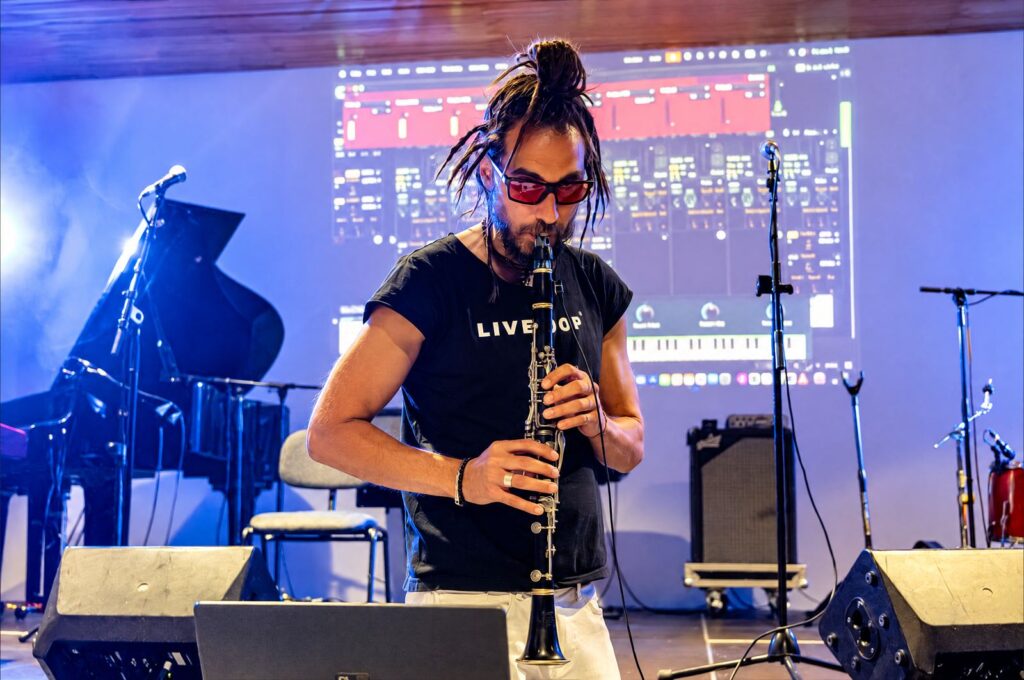
The benefits of live looping for music students
In the Live Looping Academy I focus on four benefits. Each one connects directly to skills you work on in music school.
1. Timing
A loop repeats exactly as you recorded it. To layer something on top, you have to lock in with what’s already playing, so every new layer becomes practice in steady, precise timing.
2. Live composing
Looping turns the stage, or the practice room, into a place to compose. You build a piece layer by layer, in real time, and hear the result straight away. That is comprovisation in practice.
3. One-man band
With a looper, one musician can create bass lines, harmonies, rhythms and melodies, and become a full band. It’s a great way to understand how the parts of an arrangement fit together, because you play every one of them.
4. Focus
Looping asks you to listen carefully, decide what comes next and commit to it. That reflective quality, stopping, listening and responding to what you’ve played, is what makes looping such a strong tool for musical self-study.
Where live looping comes from
Live looping has a history. In class, I trace it through these artists and styles:
- Delia Derbyshire
- Terry Riley and his tape loops
- Michael Brecker
- Dub FX (with Mr Woodnote)
- Beatboxing, with Saro as an example
Listening to them side by side shows how looping travelled from early tape experiments to today’s live performances.
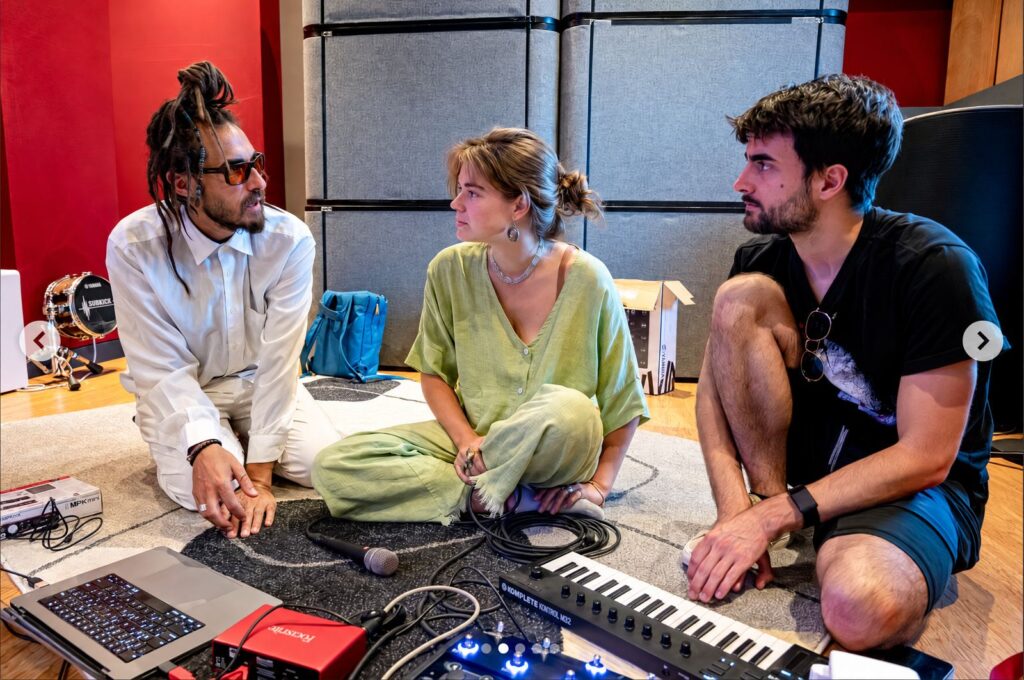
Commercial loopers, and what I wanted from a looper
Commercial loopers, such as the Boss RC-300 Loop Station, made looping accessible to many musicians. When I started building my own looping instrument, my goal was simple: I want the machine to play the music I envision, not limit it.
That led to this list of what a looper should offer:
- 1 button, 1 loop
- Short clearing track by holding
- Visual feedback
- Being in control of the time (sync modes)
- Fade in/out
- Looping modes: Sync, Free, Beat Quantized and One Shot
- Polyrhythms
- A sound architecture inspired by a mixer
- FX
- Sync with other software and hardware
LiveLoop: the looping software I teach with
LiveLoop is professional looping software for live music performance. It is designed to look beyond the constraints of the specialised hardware and software available today, and to offer intuitive, customisable looping for live performance.
With LiveLoop you can record multi-layered sounds, play odd time signatures, polyrhythms and isorhythmic loops, fade in and out, add FX and plug-ins (VST and M4L), and sync with other software through Ableton Link and MIDI Clock.
A synthesis between hardware and digital music technology, LiveLoop is a multi-faceted instrument that helps professional and beginner musicians compose, perform and record music with maximum creativity.
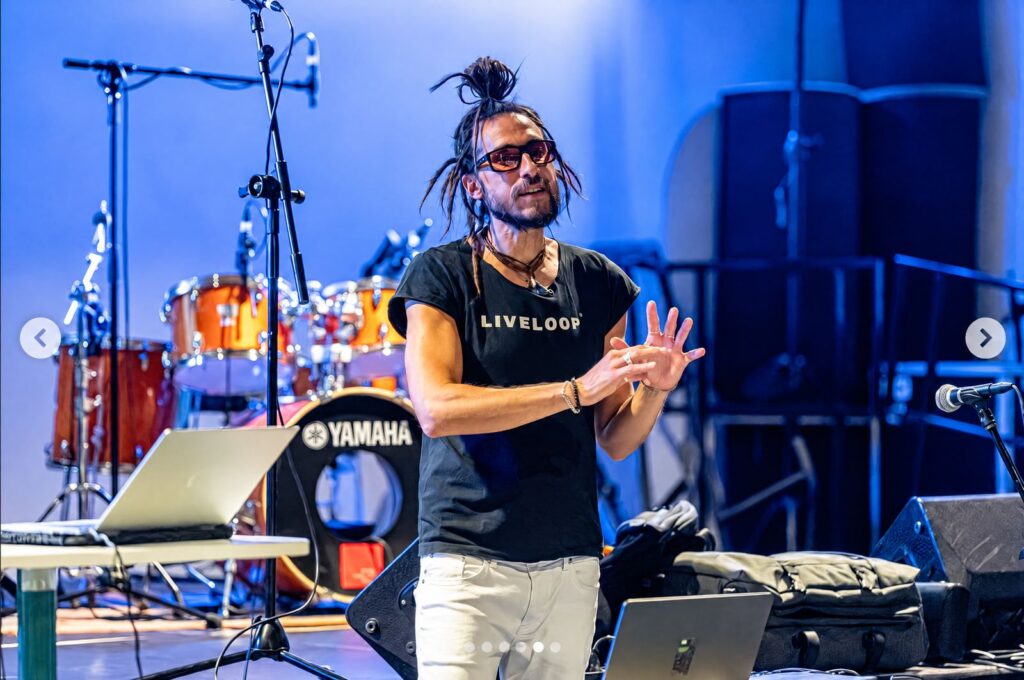
Advanced looping techniques covered in the Live Looping Academy
Once the basics feel natural, the class moves on to advanced techniques:
- MIDI looping
- Live jam
- Isorhythmic loops
- Steve Reich phasing loops
- Automating loops
- Changing the subdivision of the beat (for example quintuplets or sextuplets)
- Loop FX
- Odd time signatures
- Audio triggering
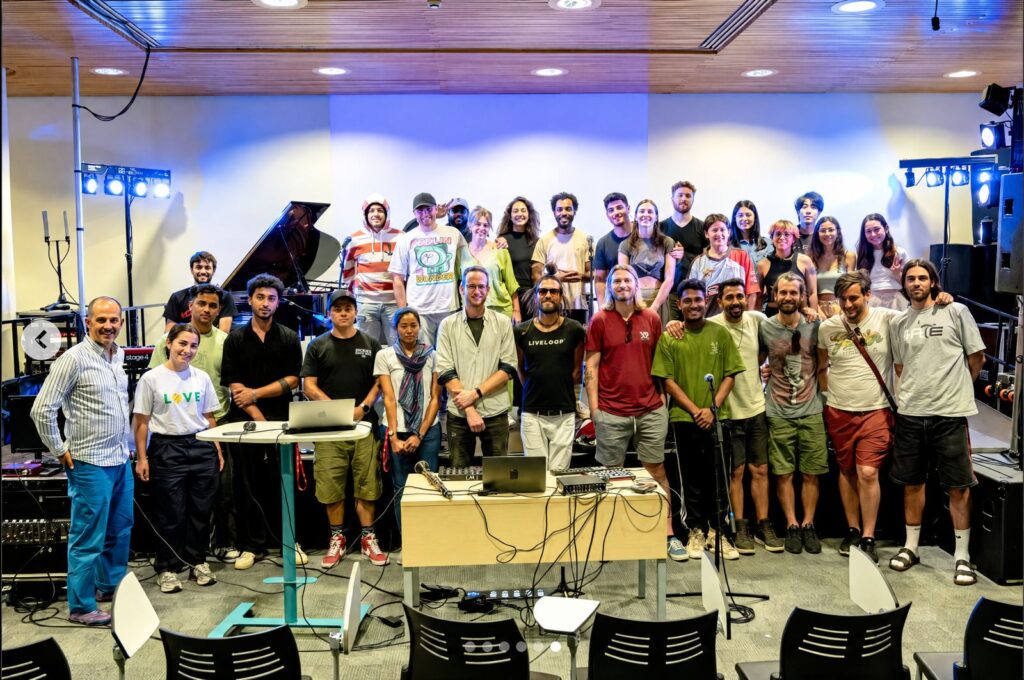
My LiveLoop performance set-up
For performances, my set-up includes:
- A computer for sound (Mac)
- A computer for visuals (Windows)
- MIDI controllers
- A MIDI interface
- A crossover cable
Want the full gear list? Take a look at my live looping setup.
Bring the Live Looping Academy to your school, or start looping today
If you teach at a music school, conservatory or any academic programme and would like to bring the Live Looping Academy to your students, email me at josep@liveloop.live.
If you’re a student and want to start right now, try LiveLoop for free and record your first loop.
It’s time for LiveLoop.